Limits and resets
Check remaining limits and reset times across 5-hour and 7-day windows, where reported by your provider.
AGENT CAT / MOBILE
Step away from your desk and see how much room your AI has left. Agent Cat Mobile brings your desktop’s synced limits and usage to your phone and wrist.
iPhone · Android · Apple Watch · Galaxy Watch
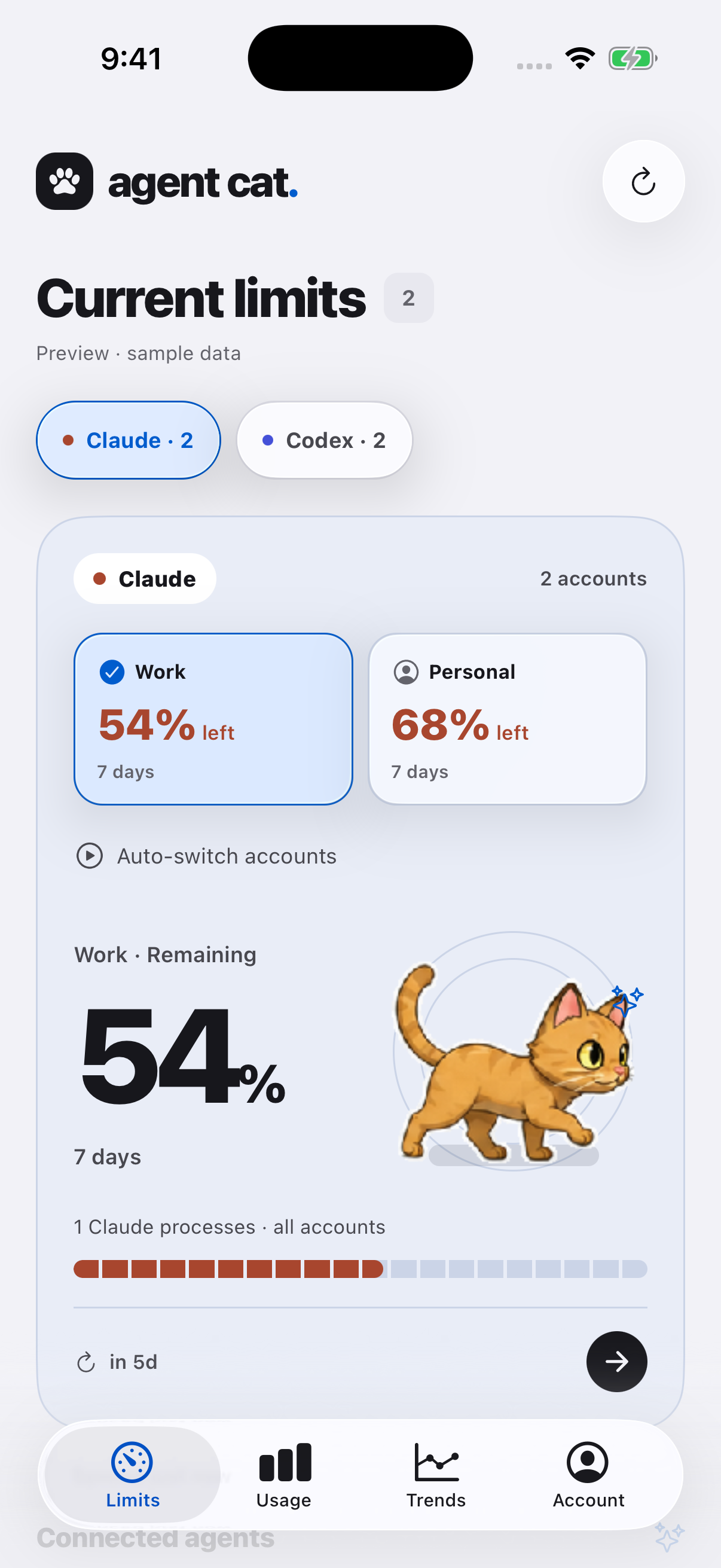
01 / A glance at your phone
Codex · Claude · Gemini. See each AI account connected on your desktop, right on your phone.
Check remaining limits and reset times across 5-hour and 7-day windows, where reported by your provider.
Keep limits on your iOS or Android Home Screen. Receive mobile alerts when your desktop detects an exhausted limit.
Explore the last 7 days of usage and provider shares. Multiple accounts from one provider stay separate.
02 / A glance at your wrist
Check remaining limits on the watch paired with your phone. One small reason to leave your phone in your pocket.
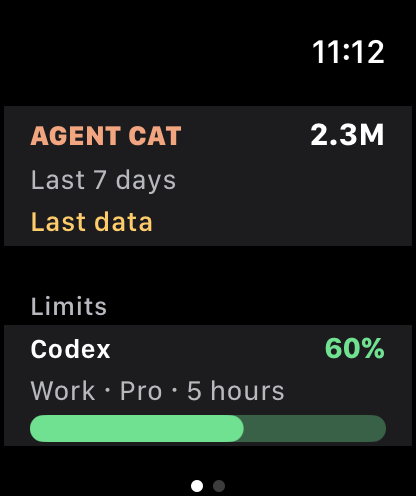
iPhone + watchOS 10 or later
View account limits and recent usage in the Apple Watch app. Add an Agent Cat complication to your watch face.
View the iPhone appAndroid + Wear OS 3 or later
See account limits on Galaxy Watch running Wear OS. Choose an account to display on a Tile and watch-face complication.
Check compatible devices on Google PlayApple Watch pairs with iPhone; Galaxy Watch pairs with Android. Watches show a synced summary, so values depend on the last update.
03 / SETUP
Sign in to Agent Cat and enable quota sync.
Install Agent Cat Mobile and use the same account.
Install Agent Cat on your paired watch. Open the phone app to sync, then check your watch.
Bring the Agent Cat you use on your desktop to your phone.
Meet Agent Cat for desktop